
What Is WebGL? A Simple Guide to 3D Graphics in the Browser
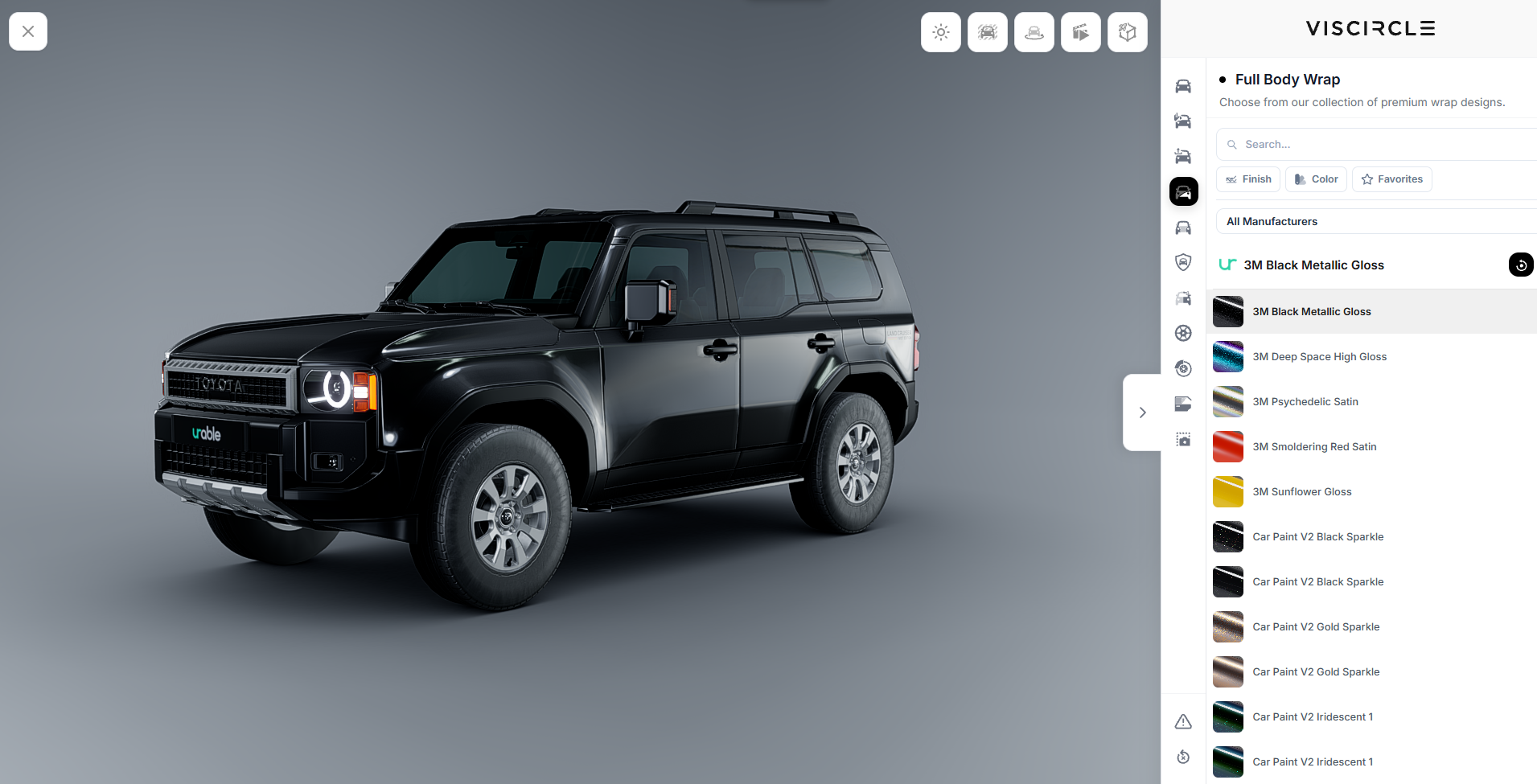
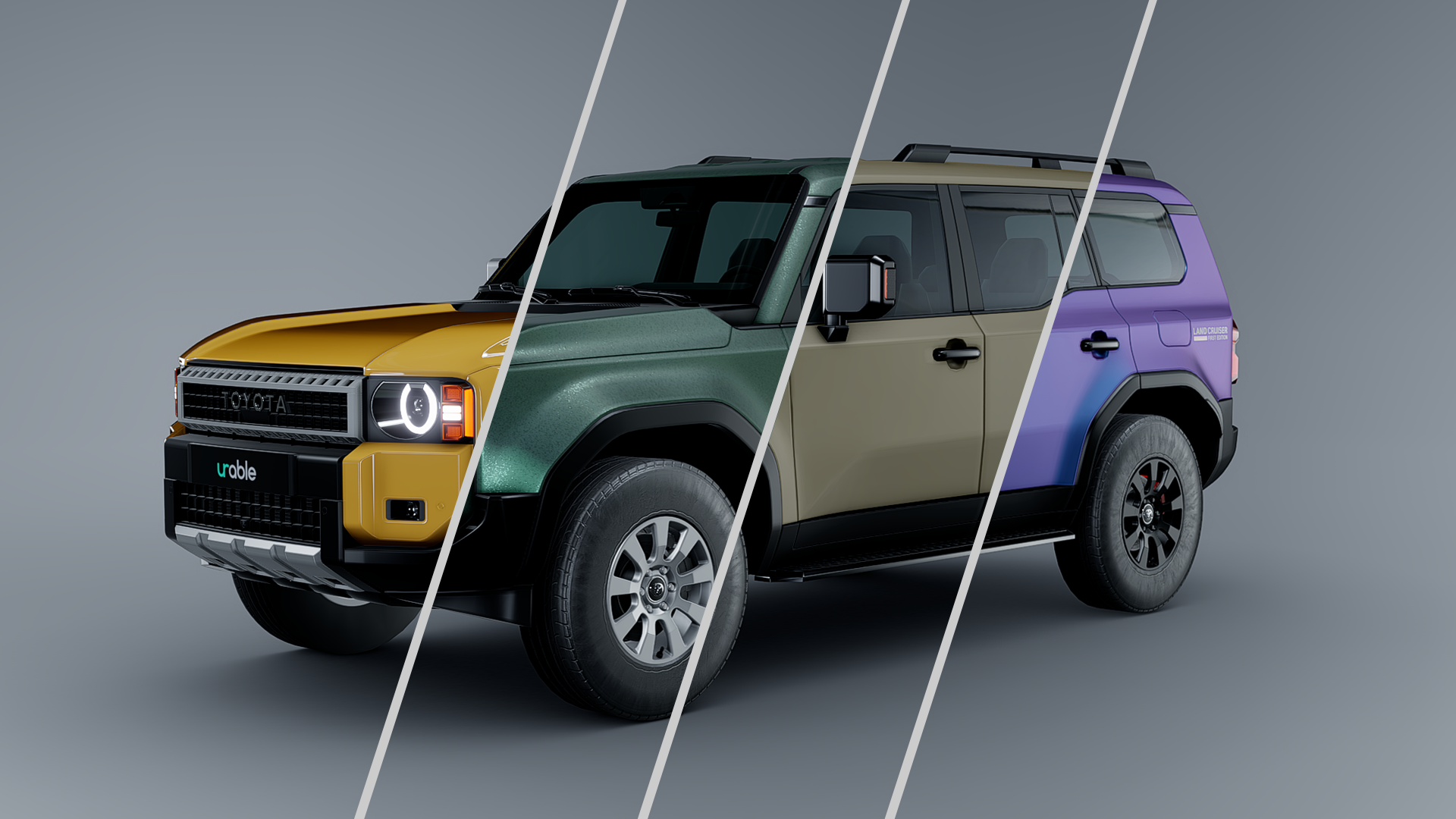
WebGL allows websites to display interactive 2D and 3D graphics directly in the browser. In a 3D product configurator, for example, customers can rotate a vehicle, zoom in, and see it in different paint colors. As soon as they select a new color, the view updates on the page.
How Does WebGL Work?
WebGL stands for Web Graphics Library. It is a JavaScript interface that lets a web application display graphics in an HTML canvas. The canvas is the area of the page where the scene appears. The browser can use the device’s graphics hardware to render it. A compatible browser requires no additional plug-in.
In a product configurator, the application processes user input. If a customer selects a different fabric for a sofa, for example, the application changes the material on the 3D model. WebGL renders the scene with the new fabric. The view is also updated continuously as the customer rotates the model or zooms in and out.
WebGL 1 is based on OpenGL ES 2.0. WebGL 2 supports many of the features of OpenGL ES 3.0, giving developers more rendering options. WebGL technical documentation on MDN
Where Is WebGL Used?
- Product configurators. Customers compare colors, materials, and equipment options and view the result from different angles.
- Interactive product views. Shoppers can rotate a product and inspect details that are hard to see in a single product photo.
- Games, educational applications, and data visualization. Users can move through a scene, explore a model, or view a dataset from a different perspective.
What Matters When Developing a WebGL Configurator?
A configurator should be as easy to use on a smartphone as it is on a desktop. That means the 3D assets, the controls, and the product rules need to work together.
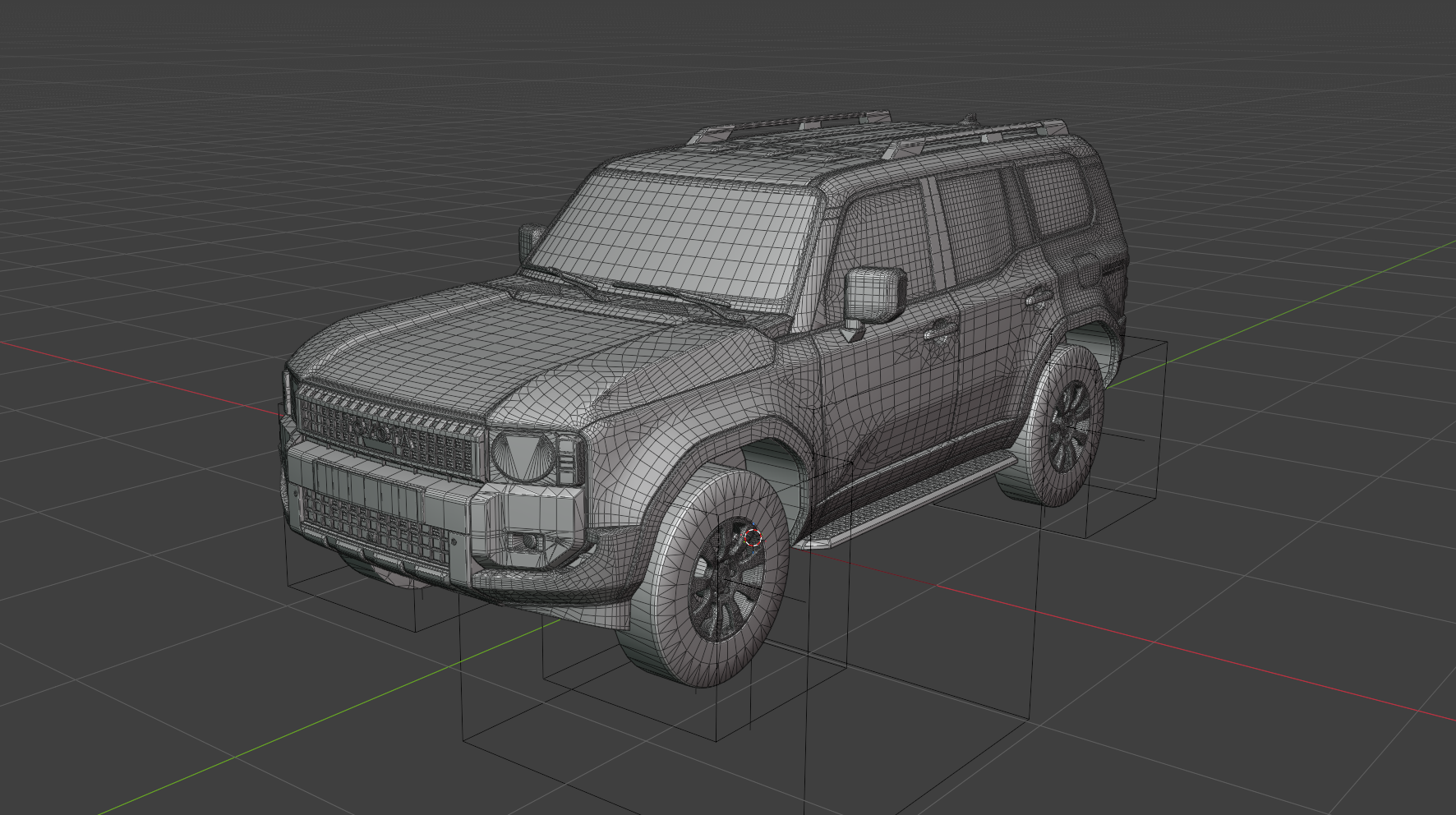
- Prepare 3D models for the browser. CAD data often contains details that are barely visible in the product view. A web-ready model can simplify those details while preserving visible features such as seams, edges, and surface finishes.
- Test loading times and rendering on target devices. Large textures and complex models can increase loading times and slow down rendering. Testing on typical smartphones shows whether customers can rotate the product and zoom smoothly once it has loaded.
- Connect rendering to product rules. The application determines which options can be combined. If a particular wheel design is available only with a specific trim level, the product rules control which options the customer can select. WebGL renders the selected combination.
What Are the Benefits and Limitations of WebGL?
WebGL lets customers rotate a product freely and see changes to a configuration as they make them. This is especially helpful for products whose shape, finishes, or options are easier to assess from several angles.
How smoothly the view runs depends in part on the device and the complexity of the scene. If WebGL is unavailable on a device, product images can serve as a fallback while customers continue to select options. For products with few variants and fixed viewing angles, an image-based presentation may be enough.
How VisCircle Uses WebGL
When developing a 3D product configurator, start with the decisions customers need to make online. For a vehicle, that might mean choosing the paint color and wheels. For a sofa, it might mean choosing the fabric and arranging the modules. On the VisCircle solutions page, you can try an interactive vehicle demo where you can rotate the model, zoom in, and explore different options. VisCircle 3D Product Configurators and Live Demo


