Automotive 3D configurators

Explore vehicles, compare variants and preview different trim and equipment options directly in your browser. VisCircle develops interactive 3D applications for automakers, dealers and vehicle customization businesses.

3D applications for vehicle sales and service

Configure vehicles

Compare colors, wheels and equipment directly on the 3D model. Configuration rules can limit the selection to available combinations.

Virtual showrooms

Explore vehicles inside and out. Interactive hotspots and animations demonstrate features such as how to load the trunk.

Preview vehicle wraps

Preview wraps, paint protection and window tint on the 3D model. Highlight individual parts and areas to be protected.

Configure a Dodge Challenger in your browser

See how a Dodge Challenger responds to your choices in 3D. Changes appear directly in your browser.

Compare paint colors

Try switching from Billet Silver to Destroyer Grey.

Change the lighting and scene

Switch to a different environment and turn the vehicle lights on or off.

View the vehicle from different angles

Rotate around the Challenger in Orbit View.

Automotive projects by VisCircle

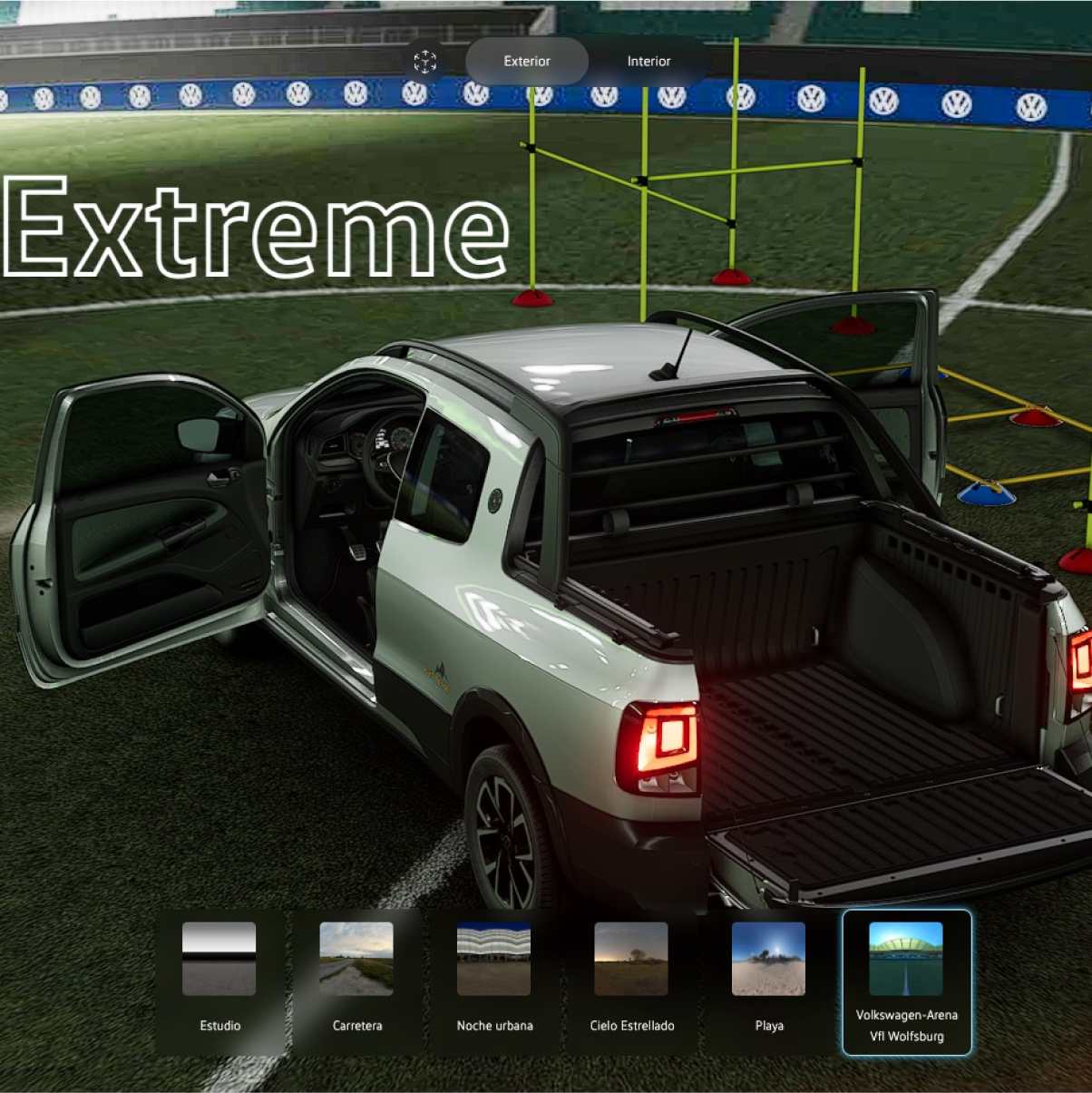
3D vehicle view from the Volkswagen Virtual Studio

Volkswagen Virtual Studio

The Virtual Studio for Volkswagen Mexico showcases its vehicle lineup in interactive 3D. It features animations, X-ray views and an interactive trunk-loading demonstration.

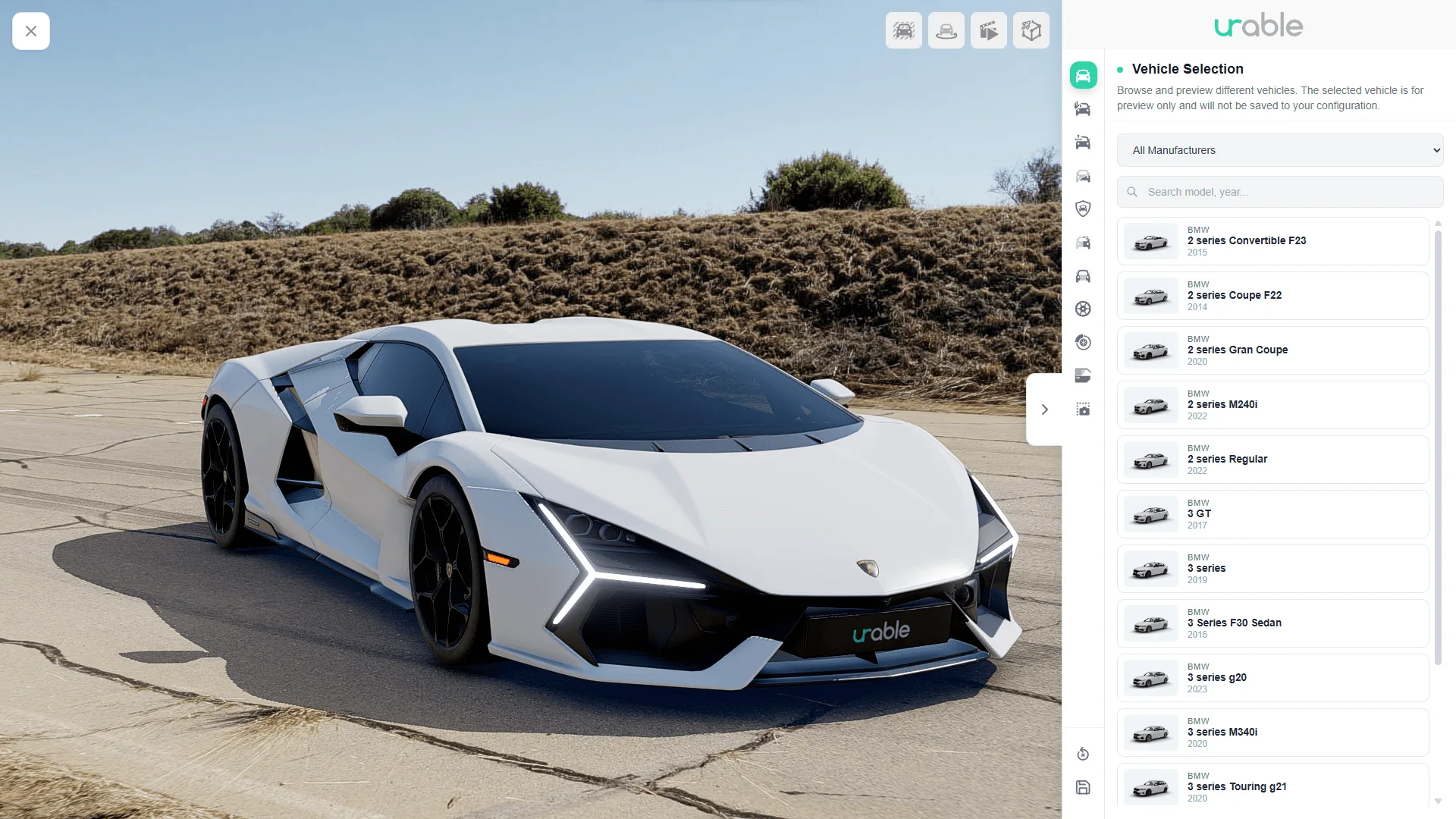
Front view of a vehicle in the Urable 3D Visualizer

Urable 3D Visualizer

Urable previews wraps, paint protection and window tint directly on the 3D vehicle. The visualizer is connected to Urable’s quoting and approval workflows.

From 3D experience to inquiry

Where customers configure their vehicle and what happens next depend on how the configurator is used. We work with you to determine which selections to pass on and which existing systems to connect.

Model pages and campaigns

Embed the 3D vehicle on a model page or create a dedicated page for a vehicle launch.

Dealer consultations and inquiries

Depending on the integration, send the selected vehicle variant, color and equipment to your sales team along with the inquiry.

Quoting and approval

Urable integrates the vehicle preview into its quoting and approval process. Customers can see on the model which areas will be wrapped or protected.

From vehicle model
to web application

01

Define variants and source data

We identify which models, options and materials to show and review any existing CAD data or 3D models.

02

Test an interactive prototype

We use a representative vehicle to test viewing angles, material changes and controls early on, on both desktop and mobile devices.

03

Integrate with your workflows

Depending on the project, we integrate the application into your website or sales workflow and pass the selected configuration to the designated system.