
WooCommerce Product Configurators: The Best Plugins Compared for 2026
A product configurator lets your customers see what their customized product will look like before they buy. This reduces uncertainty, customer inquiries, and returns. WooCommerce offers two fundamentally different approaches. Traditional 2D configurators build a product image from transparent layers, while 3D configurators let customers rotate a 3D model, zoom in, and customize it in real time.
In this article, we compare the leading plugins for both approaches, highlight their strengths and limitations, and explain how to choose the right tool for your store.
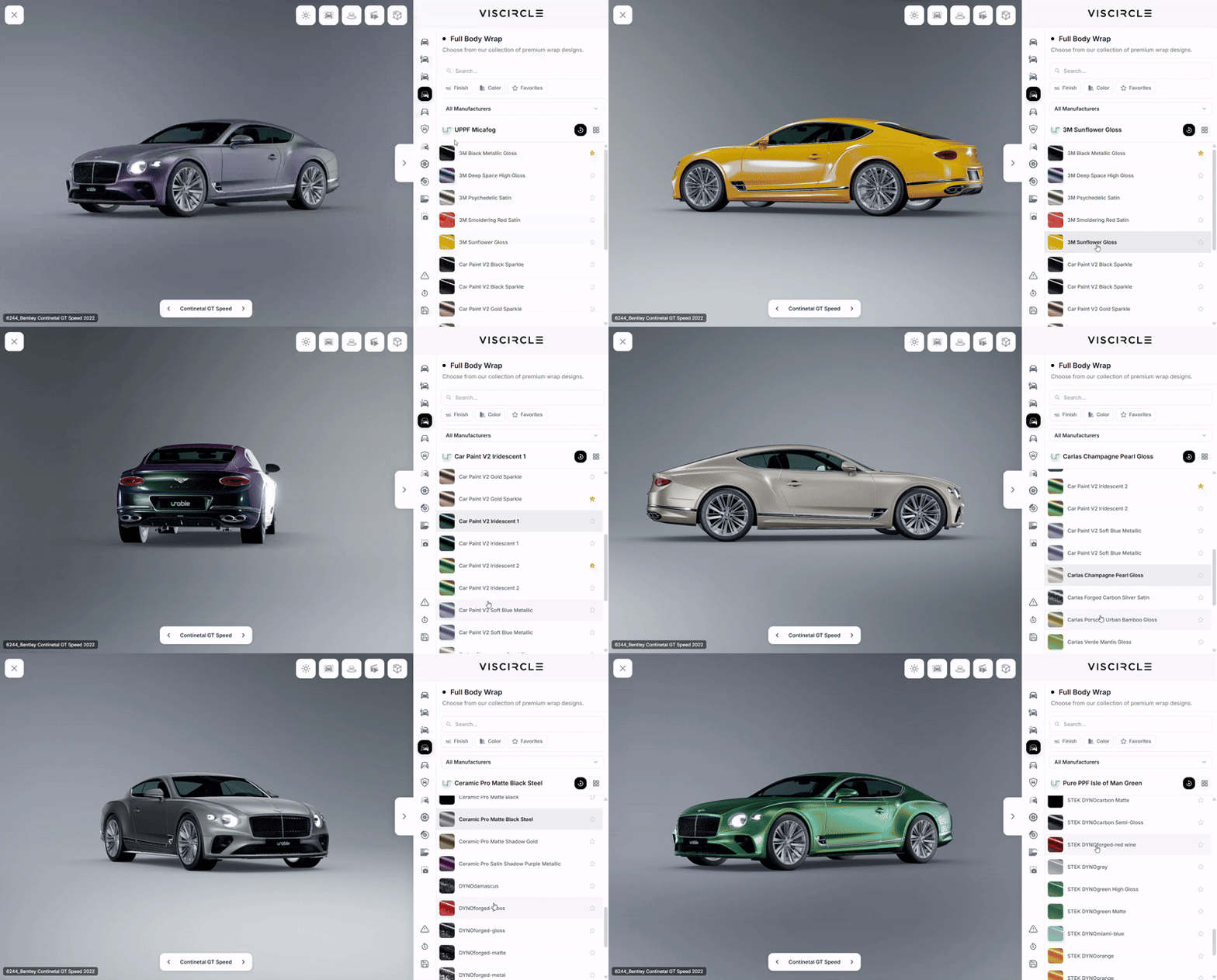
Plugin Overview
A 2D plugin is often enough for simple color and material options. If you want customers to view your product in three dimensions, you’ll need a 3D configurator, either self-hosted or offered as a SaaS product.
| Plugin | Technology | Hosting | Pricing | Best for |
|---|---|---|---|---|
| WPConfigurator 3D Product Customizer | 3D | Self-hosted on WordPress | Free Lite version, Pro from $299 per year | Stores that want 3D configuration without an external platform |
| MKL Product Configurator | 2D and 3D | Self-hosted on WordPress | Free core plugin, paid add-ons | Getting started on a budget or building complex configurators |
| Zakeke | 2D and 3D | SaaS | From €59 per month (subscription) | Fashion, accessories, print products, and smaller catalogs |
| Expivi | 3D | SaaS (Expivi account required) | Pricing on request | Manufacturers with complex products |
| VividWorks | 3D | Enterprise SaaS | From €447 per month (subscription) | Furniture and home furnishings |
Pricing and features change regularly, so check the provider’s website for the latest details before making a decision. This information is current as of November 2026.
The Key Difference Between 2D Layers and 3D Models
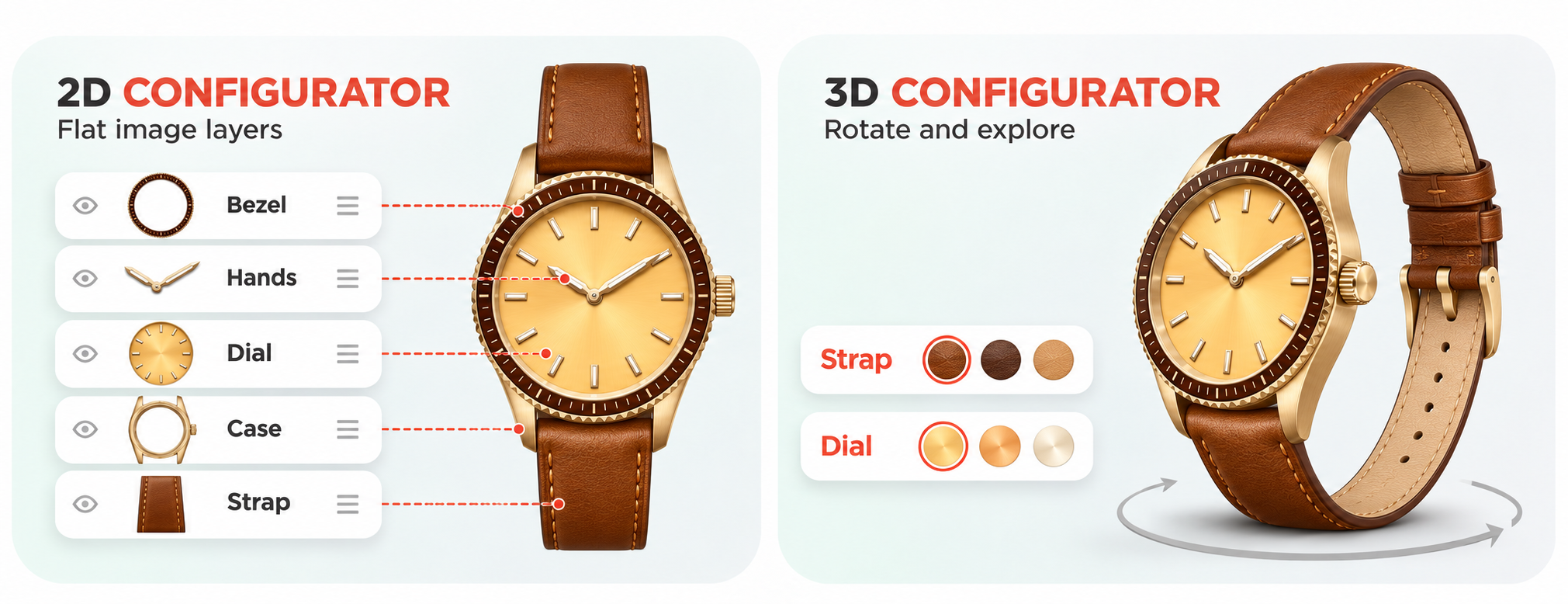
The amount of visual material you need depends mainly on the technology you use. Suppose you sell a customizable watch with four options (dial color, strap color, strap material, and hand color), each with five choices.
| Approach | Required assets | What the customer sees |
|---|---|---|
| Finished product photos | 5 × 5 × 5 × 5 = 625 images | One static image per combination |
| Layer-based 2D configurator | 4 × 5 = 20 transparent PNG layers | A composite image from a single viewing angle |
| 3D configurator | 1 3D model + 20 material or color variants | A product they can rotate freely and view from any angle, often in augmented reality (AR) as well |
A 2D configurator is quick and inexpensive to set up, but it has limitations when customers want to view the product from multiple angles or when an option changes its shape. A 3D configurator is especially useful for furniture, vehicles, machinery, jewelry, and other products whose shape and details are best seen from different angles. You can also add new options without a new photo shoot.
A Closer Look at the WooCommerce Plugins
WPConfigurator 3D Product Customizer
WP Configurator was previously best known as a 2D configurator. Since 2026, the free Lite version has also included an interactive 3D configurator. You upload a GLB model, group meshes into layers, and let customers change colors and materials in real time. Customers can then add their configured product directly to the WooCommerce cart.
The main advantage is that all data stays in your own WordPress database, with no external platform or usage-based fees. The Pro version costs $299 per year for one website or $499 per year for up to three websites. It adds features such as conditional logic, mesh swapping for shape variants, quote requests, and import and export tools. The provider has announced plans to add AR and inventory management.
- Pros: free Lite version to try, self-hosted, actively developed
- Cons: key features such as conditional logic and mesh swapping require the paid Pro version. The Lite version is still new and has relatively few installations. You’ll need a clean, web-optimized GLB model.
MKL Product Configurator
The plugin is listed as “Product Configurator for WooCommerce” in the WordPress directory and as MKL Product Configurator on the developer’s website. It is developed by Marc Lacroix. For years, it was a 2D configurator based on image layers. Version 2.0 (October 2026) introduced a 3D mode. You upload a glTF or GLB model, and each option can show, hide, or move parts, or change their materials. The plugin also supports HDRI environments, lights, multiple camera views, and global configurators that you can reuse across products.
The core plugin is free. Per-option pricing, conditional logic, form fields, inventory management, and AR are available as paid add-ons.
- Pros: free core plugin, 2D and 3D in one plugin, self-hosted, and over 2,000 active installations with a rating of 4.8 out of 5 stars according to the WordPress directory
- Cons: key features such as option surcharges and conditional logic require paid add-ons. The 3D mode is new, and configurable parts must be separate, named objects in the model.
Zakeke
Zakeke is a cloud platform that combines 2D personalization, 3D product configuration, augmented reality (AR) previews, and virtual try-on. It connects to WooCommerce through a plugin and automatically transfers customization details to the corresponding WooCommerce order. Subscriptions start at €59 per month.
- Pros: combines several features in one tool, quick to set up, supports text and image personalization
- Cons: subscription with a transaction fee for each product sold. Product limits and white-label options depend on the plan.
Expivi
Expivi displays products as interactive 3D models with a 360° view. The WooCommerce plugin connects your store to the Expivi platform and requires an Expivi account. The plugin is regularly maintained.
- Pros: professional 3D visualization, designed for complex products from manufacturers and industrial businesses
- Cons: relies on an external platform, with pricing available only on request
VividWorks
VividWorks is a high-end platform for 3D and AR product configuration, aimed primarily at furniture manufacturers and home furnishings brands. Subscriptions start at €447 per month.
- Pros: high-quality visualization, AR support, and designed for large product catalogs
- Cons: an enterprise platform that typically exceeds the needs of smaller stores
What to Look for When Choosing a Configurator
- 2D or 3D: If customers only need to change colors in a single view, 2D is enough. If they need to rotate the product, switch between shapes, or see it in their own space using AR, you’ll need 3D.
- Mobile load times: For a 3D configurator, use web-optimized GLB models with compressed textures and a low polygon count to keep load times short on smartphones.
- Pricing logic: Can the plugin calculate surcharges for individual options, tiered pricing, or prices based on custom dimensions? Does the correct price appear in the cart?
- Self-hosted or SaaS: SaaS platforms come with recurring costs and store your data on the provider’s servers. Self-hosted plugins avoid those trade-offs but require more work on your end.
- Plugin maintenance: Check when the plugin was last updated and whether it supports your versions of WordPress and WooCommerce.
- 3D models: The quality of your configurator depends on the quality of your 3D models. Engineering CAD data needs to be prepared for the web, and that step often takes the most time.
Which Product Configurator Is Right for Your Store?
For simple color options, the free core version of MKL Product Configurator is often enough and supports 2D image layers. If you want customers to explore your product in 3D, both MKL Product Configurator and WPConfigurator offer self-hosted solutions you can start using for free. Zakeke, Expivi, and VividWorks offer the convenience of a hosted platform, along with AR and support, for a recurring fee.
Start by asking what your customers need to see to feel confident about buying. Launch the configurator with one product, track conversion and return rates, and expand it gradually.
Need a Custom 3D Configurator? We Build It for You
Standard plugins can fall short when your product has many interdependent options, is based on CAD data, or needs photorealistic visualization. At VisCircle, we prepare your 3D models for the web, build configurators around your product rules, and integrate them with WooCommerce or your existing system. We work with products ranging from furniture to cars.
Planning a configurator or wondering whether a plugin can handle your product? Get in touch for a no-obligation consultation. We’ll walk you through examples from our projects.


