
3D Jewelry
Configurators
Give customers a real-time preview of their wedding rings or personalized jewelry. VisCircle builds custom 3D configurators for jewelers and manufacturers, from the first choice of metal to the final engraving.
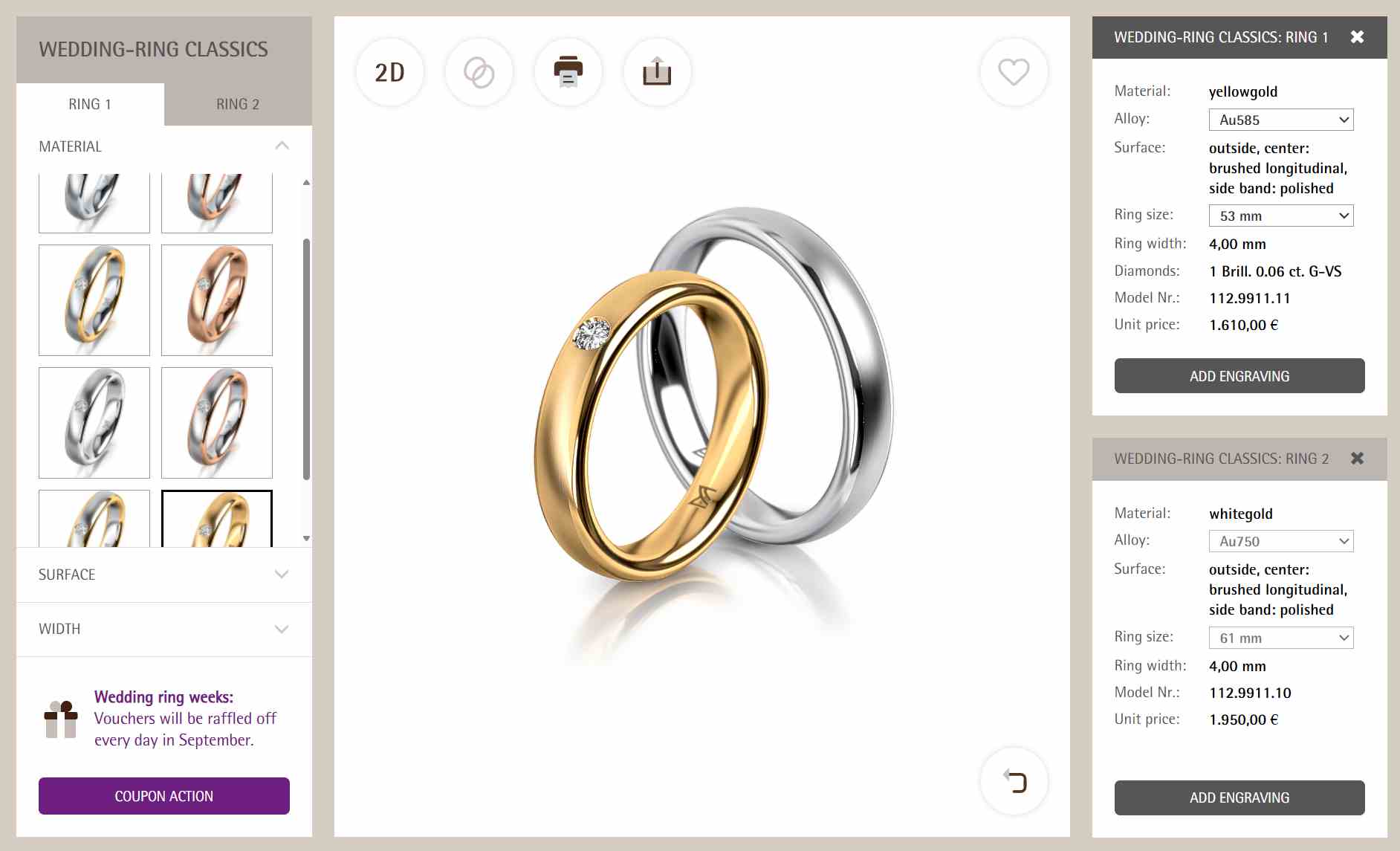
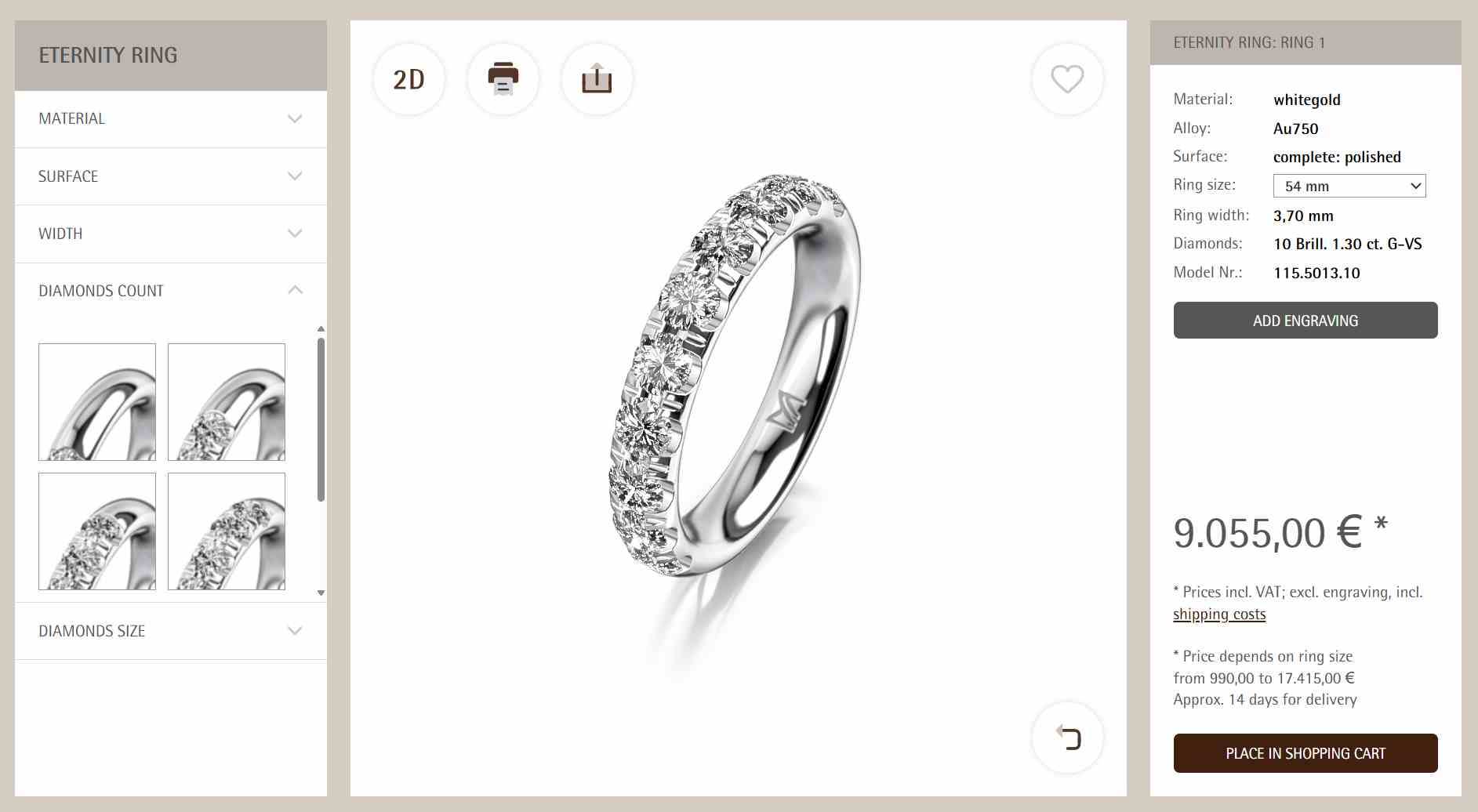
3D rendering from the MEISTER ring configurator
Try the 3D ring configurator
Drag to rotate the ring, then use the controls below the model to explore band and diamond options.
Show the details that shape the purchase
A polished finish catches the light differently from a satin finish. A wider band changes the proportions of a ring. With a real-time 3D preview, customers can see how these choices work together before the piece is made.
Wedding and engagement rings
Let buyers compare metals, band widths, finishes and stone settings. They can rotate and zoom in to see how each choice changes the ring.
Personalized jewelry
Preview names, initials or engravings on the piece. The options can follow your production rules, including available fonts, character limits and engraving positions.
Online and in-store consultations
Give customers and sales teams a shared view of the selected piece. Depending on your sales process, the configuration can go to the cart or be included in an inquiry.
Jewelry configurator projects
MEISTER & Co AG
For the Swiss ring manufacturer, VisCircle developed a browser-based 3D wedding ring configurator. Customers can change the metal, band width, surface finish and stone setting and immediately see the result.
The MEISTER manufactory also created GIRELLO, a collection of rotating rings. A diamond-set outer band spins around the inner ring, changing how the stones catch the light. It’s a good example of a detail that 3D animation can show in motion.
Infinity Rings
A wedding ring configurator integrated into the Australian retailer’s online store, connecting ring selection with the purchase process.
persn.com
A 3D jewelry configurator that lets customers preview personalized lettering on the product.
Carry the selected design through to the order
VisCircle builds the configurator around your collection, manufacturing rules and sales process.
Product rules and pricing
Define which metals, finishes and settings can be combined. If your pricing data is available, the configurator can show how the selected options affect the price.
Shop and inquiry integration
Pass the customer’s selected options into your existing shop or inquiry workflow. The integration can include product IDs and personal details such as engraving text so the sales team has the information it needs.