
3D Furniture Configurators
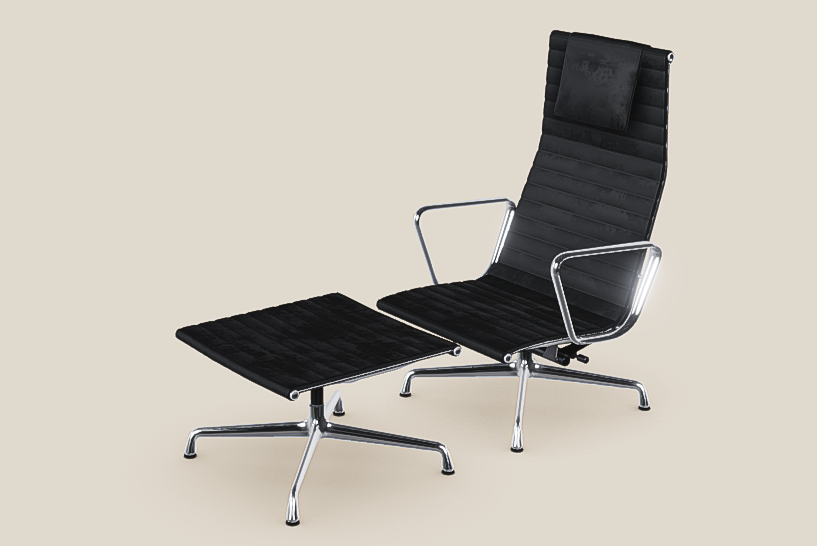
Give shoppers a clear view of the furniture they’re choosing. With a custom configurator, they can compare finishes, adjust dimensions and build modular layouts directly in their browser.
What can your customers configure?
Start with the choices that are hardest to picture from product photos.
Modular sofas and seating
Combine seats, corners and chaise sections. Let customers see how a left- or right-hand layout changes the overall shape before choosing the upholstery.
Made-to-measure furniture
Adjust the width of a table or the height of a shelving unit. Show how dimensions affect proportions, and use product rules to offer sizes you can make.
Kitchens and storage systems
Build a layout from compatible units, then preview fronts, handles and worktops together. The 3D view can show how doors and drawers open.
Plan a kitchen, one unit at a time
For Schrank-Express, VisCircle developed a browser-based 3D kitchen configurator for nobilia elements with JTL e-commerce integration.
The project shows how individual cabinet units can become a layout customers can explore in 3D while making decisions about their kitchen.
Two more ways to configure an interior

Ege Carpets
Customers can choose a rug’s shape, colors and edging, then preview the result in a room setting. The Rug Creator connects to Ege’s e-commerce system.

Allied Maker
Shoppers can combine fixture parts and see how finishes such as brass, glass and hardwood look together in real-time 3D.
Prepare your product data
We review your range, dimensions, finish samples and any existing CAD files or 3D models. Drawings and photos can also help us build the first model.
Test the choices in a prototype
We prototype a representative configuration to check how materials and dimensions look and how customers choose compatible options on desktop and mobile.
Connect the result to your sales workflow
Depending on the project, the chosen options can go to a shopping cart or a quote request, so the next step starts with the configuration the customer already made.